
Download the store bundle
Download the store bundle
When the draft is complete, finishing it packs everything into one zip you take to the stores.
Finish draft is on the deploy draft, and the download appears on the app's Distribution tab.
Read this before you press it
Finishing is destructive and one way. It packs the binaries, the generated screenshots, and the listing and legal text into a single zip, then deletes the sources, keeping only the zip. The draft form is gone afterward. There is no edit-and-refinish.
So: finish when the draft is genuinely done, not to see what happens. If you want another look, deploy again and get a fresh draft.
Finishing is also gated on the account being clear of deploy-credit debt, and on every AI-drafted document having been approved by you.
What you get
deploy-bundle.zip, containing the signed submission build per platform, the
generated store assets at each store's required sizes, and the listing and legal
text you authored.
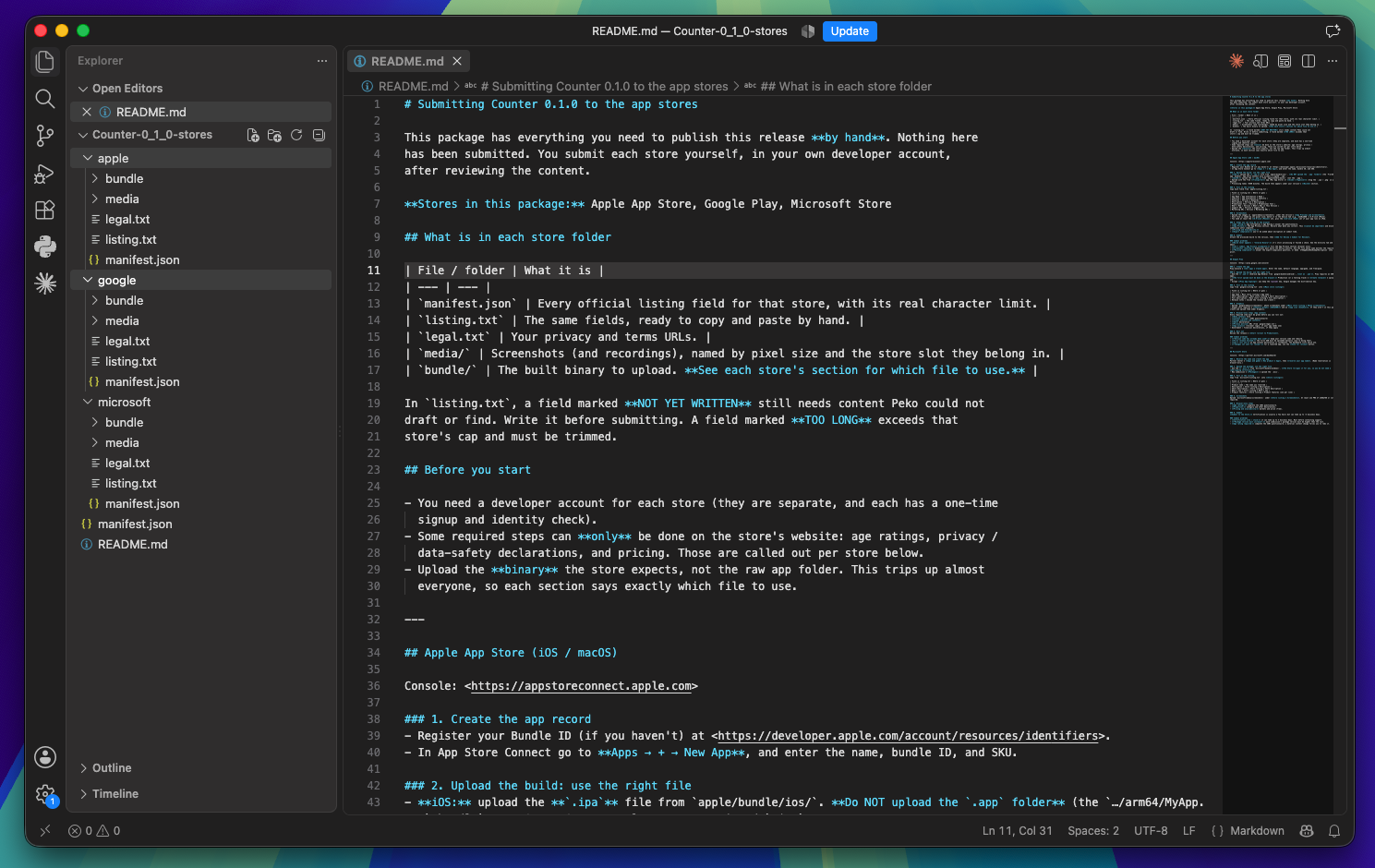
That is what you upload to App Store Connect, Play Console, or Partner Center.
The download link is signed and time-limited. Press download again for a fresh one whenever you need it; the zip itself is kept.