
Fill in the deploy draft
Fill in the deploy draft
The upload lands as a draft release on the app's Distribution tab. A draft is the staging area for everything a store needs beyond the binary, and there is one active draft per app: a new deploy replaces it.
Open Distribution, then Open deploy draft. The wizard is a progress rail beside one scrolling column, a section per step.
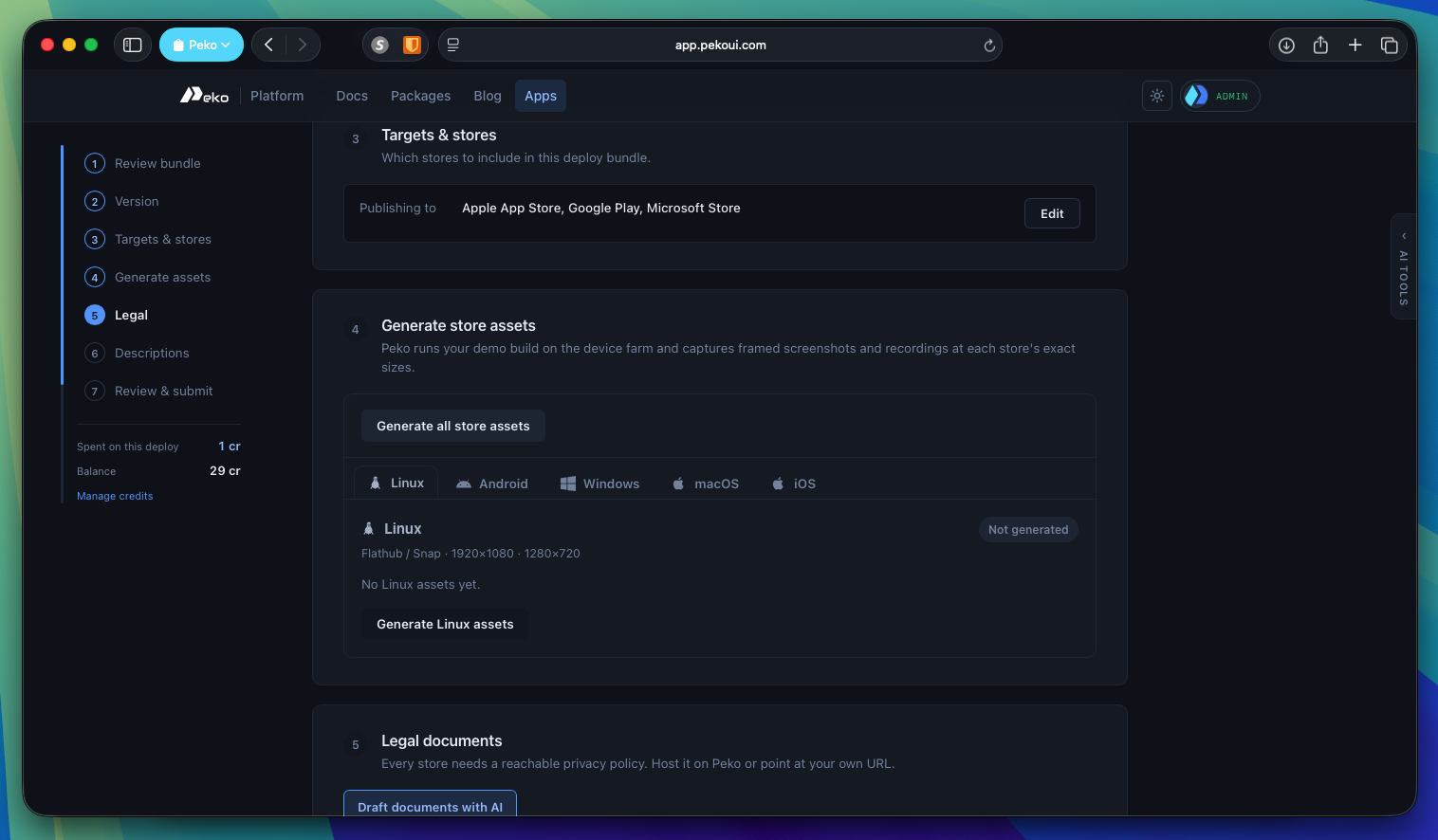
- Review the received bundle: per-platform generation and submission sizes, signed status, and which host built it.
- Version for each store.
- Targets and stores to publish to.
- Generate assets from the demo shots.
- Legal: privacy policy, terms, EULA, hosted by the platform or linked.
- Descriptions: the per-store listing text.
- Review and submit.
There are no gates, so you can jump between steps, and what you enter is saved as you go. Start at Review and confirm the bundle actually contains what you expect: every platform present, the submission builds marked signed.
Nothing here publishes anything. Submission is a later, explicit action, and no store sees a thing until then.